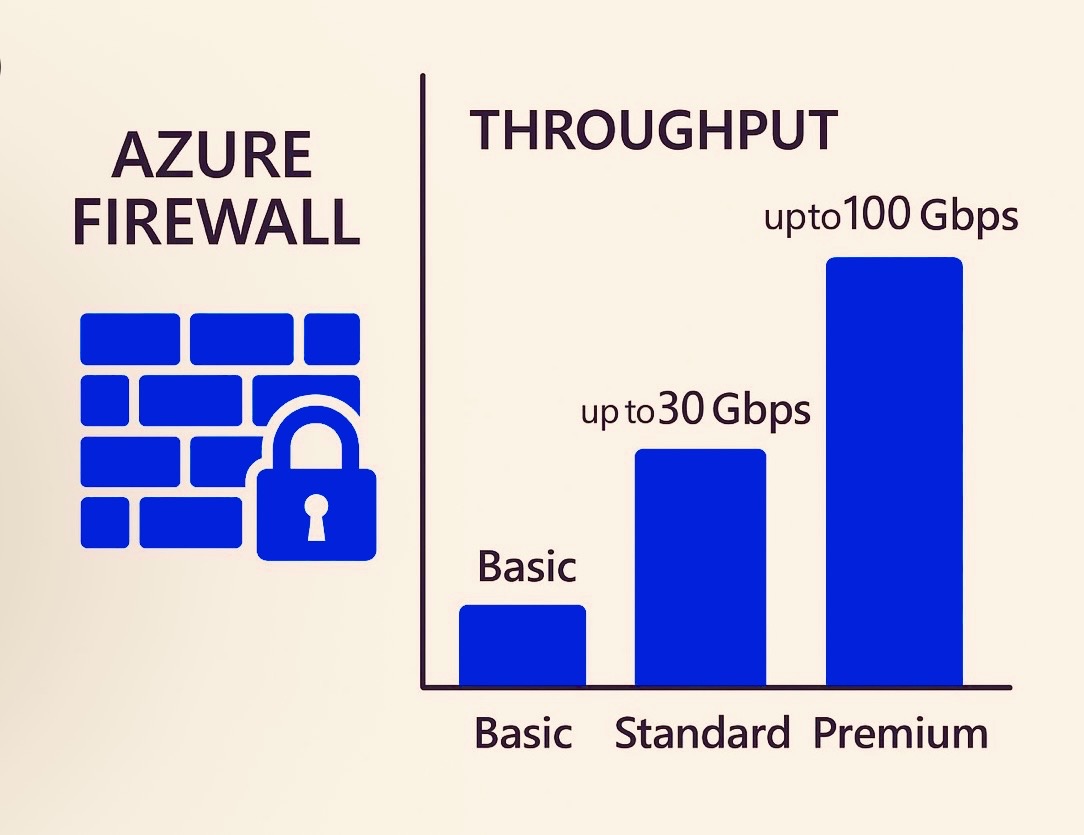
Azure Firewall Prescaling
What is Azure Firewall Pre-scaling?
Pre-scaling allows you to manually define the number of scale units (compute instances) that Azure Firewall should have ready to handle traffic — instead of waiting for auto-scaling to react after the load increases.
Essentially, it’s about proactively reserving capacity so the firewall can handle expected spikes or steady high-throughput workloads without scale-up delay.
⚙️
How It Works
- Azure Firewall automatically scales based on traffic and CPU/memory utilization.
- With pre-scaling, you set a minimum number of scale units (1–100).
- Azure ensures those units are pre-allocated and immediately available for use.
- The firewall can still scale out automatically beyond the pre-scaled units when traffic grows.
When to Use Pre-scaling
✅ Anticipated heavy workloads (e.g., start of business day, month-end batch jobs)
✅ Environments where latency and throughput are critical (e.g., high-performance gateways)
✅ When firewall scaling delays could cause packet drops or degraded performance
🔐
Configuration
You can configure pre-scaling via:
- Azure Portal
- PowerShell
Monitoring
- Azure Monitor → Metrics → Throughput, CPU utilization, Scale unit count
- Log Analytics to check scaling events and latency during transitions
🧩
Best Practices
- Combine pre-scaling + auto-scaling for hybrid flexibility.
- Monitor traffic patterns to fine-tune scale units.
- Use Availability Zones for resilience.
- Pair with Azure Firewall Policy for centralized management.